No public installer published
Verified file details will appear here only after an artifact is approved. There is no installer link, expected checksum or release date to verify yet.
Read the verification guideRelease & download information
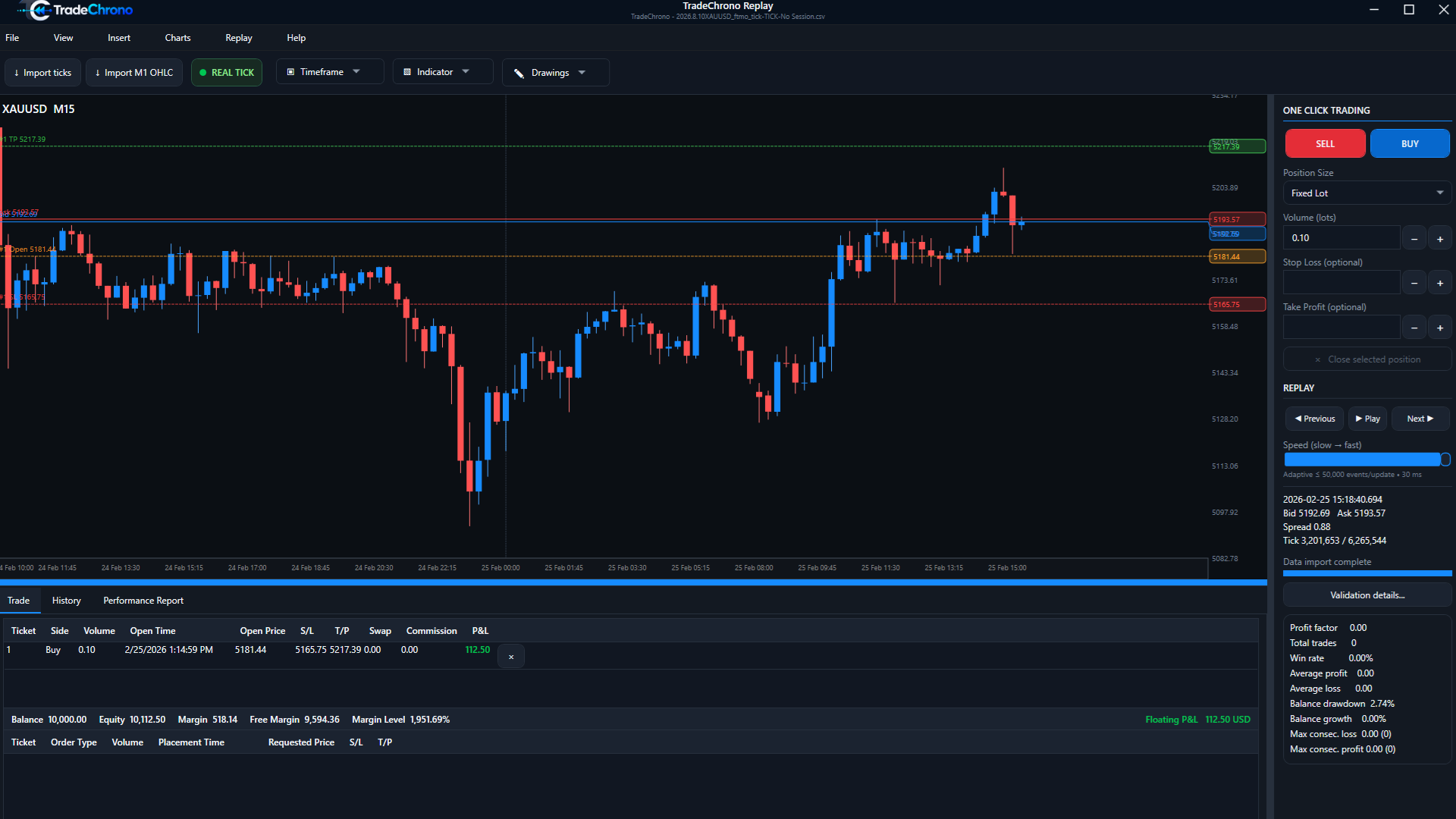
Historical replay and manual backtesting on your desktop. Check availability, requirements and verification before installing.
Verified file details will appear here only after an artifact is approved. There is no installer link, expected checksum or release date to verify yet.
Read the verification guideImport compatible historical data, replay it, place simulated orders and review reports. The future $0 Free Demo has unlimited time, allows 15 closed trades per simulation, and excludes Save / Load and CSV / HTML export. It is distinct from the screenshot walkthrough available today.
View featuresFuture approved downloads will publish their verification details. Signing and publisher identity are not ready; do not treat an unlisted executable as an official release.
Installation workflow preview