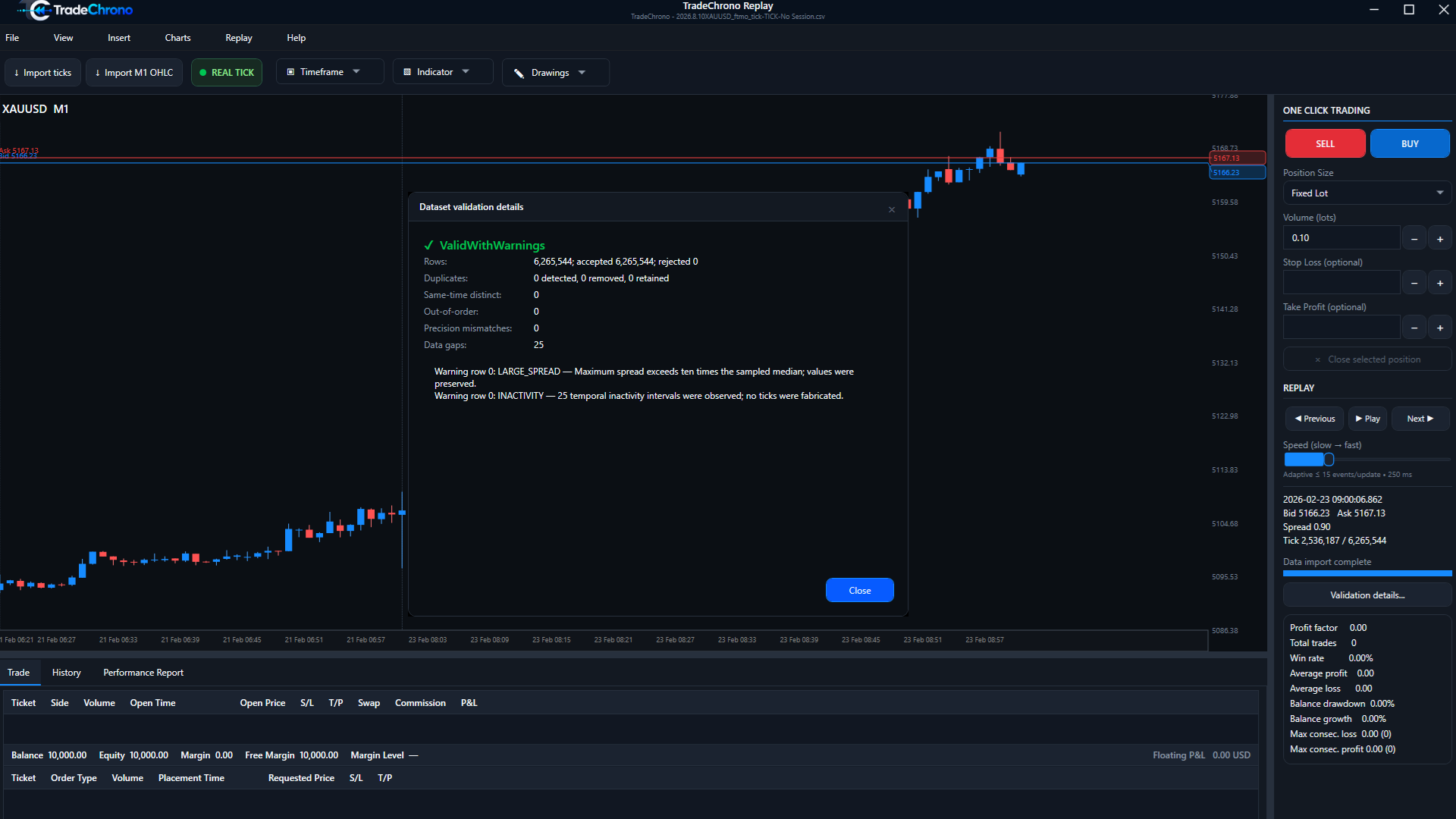
Use data in the appropriate format.
Import compatible historical market data that you are entitled to use. No starter dataset or third-party data download is provided here. Exact import schemas will be documented against an approved build; do not guess column formats.
Real Tick and M1 Synthetic
Real Tick replays valid imported historical Bid/Ask ticks where supplied. M1 Synthetic generates a deterministic intrabar path from M1 OHLC candles. Synthetic movement is not a recording of real ticks; the two modes can produce different simulated outcomes.
Inspect validation before replay
Use Import ticks or Import M1 OHLC as appropriate, then open Validation details. Review accepted and rejected rows, duplicates, ordering, precision, gaps and warnings. A warning is not proof of complete data. Investigate the source and preserve your original file.