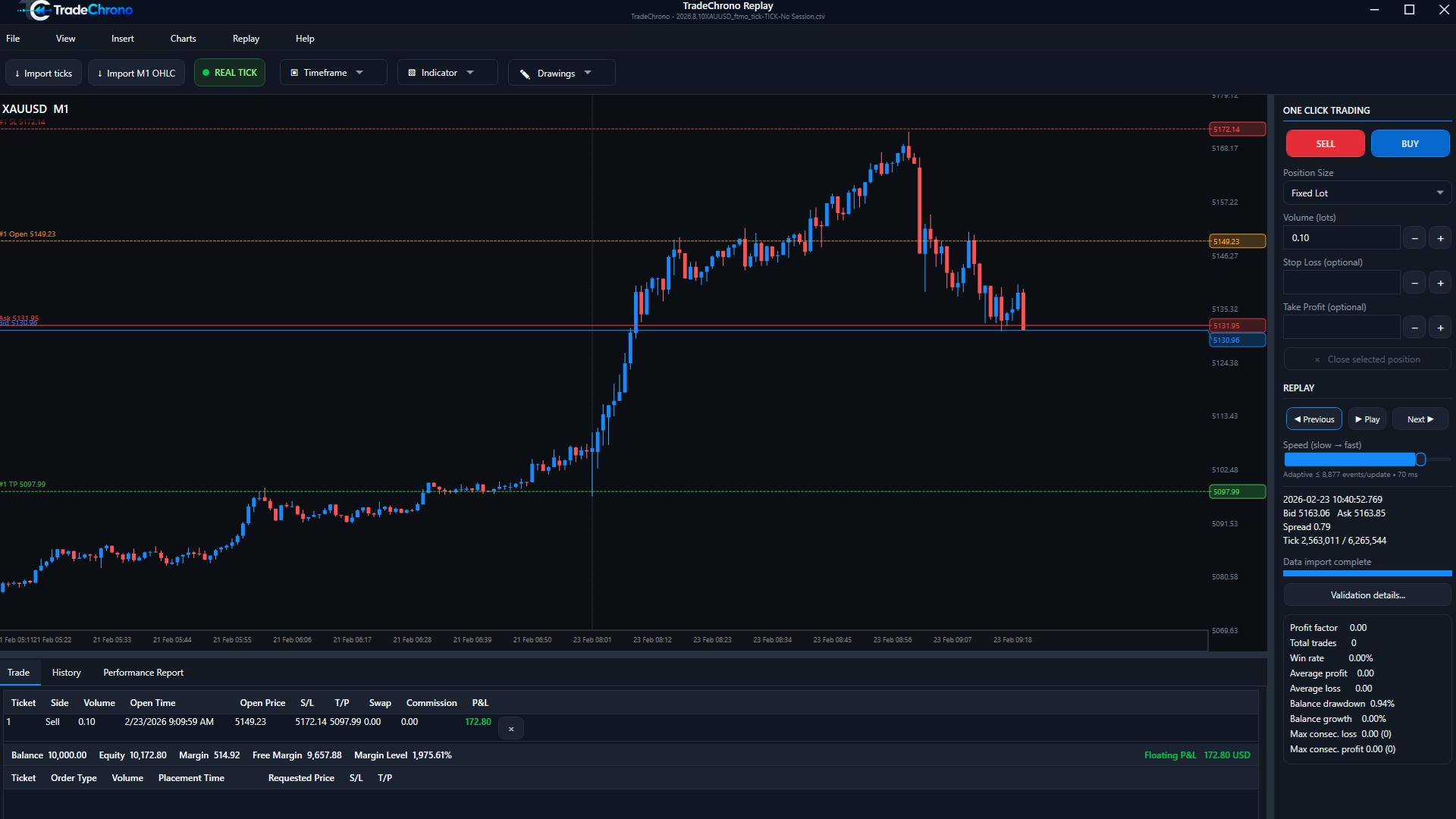
Market and pending orders
Market orders enter the simulation at the available simulated quote. Pending orders express an entry condition for later historical progression. Review side, volume and requested price before placing an order. This is an MT5-style workflow, not a claim of identical broker execution.
SL, TP and position management
Set Stop Loss (SL) and Take Profit (TP) where appropriate, then inspect their chart levels and the open position. Review volume, costs and floating P&L before closing a position. To partially close, select the open position in Trade, open its context menu and choose Partial close. Enter the close volume and confirm; inspect the remaining position and history afterward.
Keep the simulation boundary clear
Historical Bid/Ask, spread, commission and swap affect a simulated result. Data quality and execution assumptions matter. Backtests do not guarantee future results, and no real-money order is sent to a broker.